Automation for Small Businesses: Where to Start?
From contact forms to AI chatbots — the most impactful automations for tradespeople, auto repair shops, and service providers. Including tools, costs, and concrete real-world examples.

Paul Mill
Web Design & Development

Table of contents
An accounting firm in Cologne implemented a single automation — document management combined with automatic client follow-ups — and saved 600 hours per year, quadrupling their client base without hiring a single new employee. In financial terms: €30,000 in payroll costs that never materialized.
“Automation” sounds like something for large corporations with their own IT departments. In reality, small businesses benefit the most — because every hour saved goes directly to the team. 73% of companies that implement process automation cut their processing time in half, and most see ROI within 3–8 months.
Process automation means using software to execute recurring business tasks without manual intervention — from appointment confirmations to invoicing. This article covers the most impactful automations for tradespeople, auto repair shops, and service providers: which tools work best and what they cost.
The Problem with Getting Started
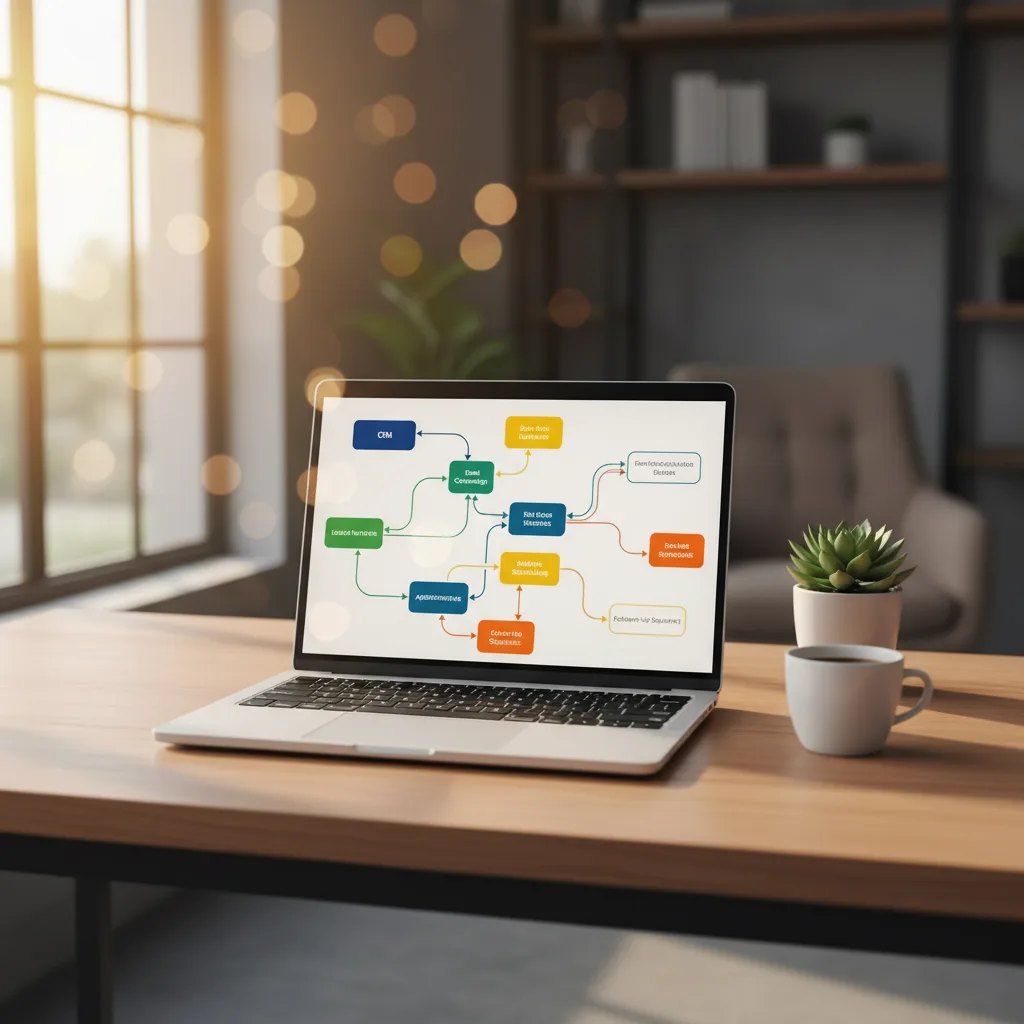
Most business owners know they could automate their processes. But the sheer number of tools — Zapier, Make, n8n, Cron Jobs, Custom Scripts — is overwhelming, and the fear of investing in the wrong solution leads to paralysis.
My approach, developed across dozens of client projects: Start small, see results fast, then scale. Don’t set up five workflows at once — start with one. Stabilize it. Then move to the next. No more than one new automation per month. Two half-finished workflows don’t save time; they cost it.
The Five Automations Every Business Needs
1. Contact Form → CRM → Notification
The problem: Inquiries arrive by email, get manually copied into a spreadsheet, and responses take hours. In the worst case, a lead falls through the cracks. According to a Harvard Business Review study, companies that respond within one hour are 7 times more likely to have a meaningful conversation with a decision-maker — and 60 times more likely than those who wait 24 hours. 23% of the companies studied never responded at all.
The solution: The contact form sends data via webhook directly to a CRM (or a structured Notion/Airtable database), automatically sends a confirmation to the prospect, and notifies the team via Slack, WhatsApp, or email.
What this actually delivers:
- Response time drops from hours to seconds — which alone increases close rates by 20–35%
- No manual data entry, no forgotten inquiries
- Automatic follow-up email after 48 hours if there’s no response
- A professional first impression that builds trust
Technically: A webhook from the form to Make or n8n. No coding required. Setup time: 2–3 hours.
2. Invoicing and Automatic Payment Reminders
The problem: Invoices are created manually in Word or Excel, sent by email, and follow-up happens in someone’s head. According to the KfW SME Panel, 67% of small trade businesses cite “clients who don’t pay on time” as a top-three business problem.
The solution: Invoicing software with API integration (sevDesk, lexoffice, FastBill). As soon as a project is marked “completed,” the workflow automatically generates and sends an invoice. After 14 days without payment: an automatic reminder. After 30 days: a formal notice.
What this actually delivers:
- 2–4 hours saved per week — at an hourly rate of €60, that’s €500–€1,000 per month
- Payment reminders run automatically, without awkward “Did you receive my invoice?” emails
- Average payment time reduced by 15–25 days
- Clean DATEV exports for the accountant
- GoBD-compliant archiving runs in the background
3. Appointment Reminders and No-Show Reduction
The problem: Tradespeople spend 30–45 minutes per day coordinating appointments by phone. With 5 employees, that’s 10–15 hours per week — just on phone calls. No-show rates run at 15–20% without reminders.
The solution: Online booking (Cal.com, Calendly) + automatic confirmation + reminders 24 hours and 2 hours before the appointment via WhatsApp or SMS.
What this actually delivers:
- No-show rate drops from 18% to under 4% — reported by multiple businesses in the n8n community
- WhatsApp messages have a 98% open rate (email: 22%)
- No more phone tag for rescheduling
- Clients can reschedule themselves — without calling
Technically: Cal.com (free) + n8n + WhatsApp Business API (from ~€50/month via 360dialog or Twilio). Or simpler: Calendly Pro (€12/month) with built-in SMS reminders.
4. Automatic Google Review Requests
The problem: Most tradespeople and repair shops have fewer than 20 Google reviews. 93% of consumers read online reviews before making a purchasing decision. Businesses with 50+ reviews appear 35% more often in local Google searches.
The solution: Two hours after a job is completed, the client automatically receives an SMS or WhatsApp message with a direct link to leave a Google review. 5-star rating: automatic thank-you message. Under 4 stars: a personal message from the owner before the review goes public.
What this actually delivers: A plumber from the n8n forum reports: “Our reviews went from 12 to 87 in 6 months.” Going from 3.5 to 4.5 stars can increase revenue by 5–9% — for a business with €300,000 in annual turnover, that’s up to €27,000 in additional revenue. Just from automated review requests.
5. Social Media Scheduling
The problem: Posts are created spontaneously, frequency is irregular, and the best posting times are missed. Monday, you commit to three posts a week — by Friday, none have gone out.
The solution: Create content in batches once a week (90 minutes is enough for 4–5 posts) and publish automatically via a scheduling tool. Results flow into your inbox as a weekly report.
What this actually delivers:
- Consistent presence without daily effort
- Better reach through optimal posting times (Buffer, Later, and Hootsuite analyze this automatically)
- The time saved goes into real engagement — responding to comments, DMs, community building
What Does This Add Up To?
Combined time savings across all five automations:
| Automation | Time Saved/Week | Annual Savings (€60/h) |
|---|---|---|
| Contact Form → CRM | 3–5 hours | €9,360–€15,600 |
| Invoicing + Reminders | 2–4 hours | €6,240–€12,480 |
| Appointment Reminders | 2–3 hours | €6,240–€9,360 |
| Google Reviews | 0.5–1 hour | €1,560–€3,120 |
| Social Media | 3–5 hours | €9,360–€15,600 |
| Total | 10–18 hours | €32,760–€56,160 |
Based on a 5-person business at €60/hour. Most businesses start with 2–3 automations and expand from there. To find out what you could specifically save, get in touch and I’ll estimate your savings individually.
Industry Examples: What This Looks Like in Practice
Electrical Contractor (5 Employees, Bavaria)
Before: Inquiries via phone and notepad — sometimes forgotten. Quotes in Word, sent manually by email. Invoices in Excel, payment reminders “whenever I remember.” 8 Google reviews.
After (n8n + sevDesk + Cal.com + WhatsApp): Online booking with automatic WhatsApp confirmation. Quote template with calculation logic, automatic delivery and follow-up after 3, 7, and 14 days. Invoice automatically generated at project completion, reminder after 14 days. Automatic review request 2 hours after job completion.
Result: 12 hours saved per week. Google reviews grew from 8 to 67 in 6 months. Quote acceptance rate increased by 28% — because no quote goes without follow-up. Estimated additional revenue: €37,000/year.
Auto Repair Shop (3 Employees, NRW)
Before: Appointment scheduling via phone and wall calendar. MOT reminders: nonexistent. Clients called 2–3 times a day: “Is my car ready?” Parts ordering done manually by phone.
After (Make + WhatsApp API + Google Calendar): Online appointment booking with vehicle data capture. Automatic MOT and service reminder 4 weeks in advance. Status updates via WhatsApp: “Vehicle in progress” → “Ready for pickup.” Parts automatically reordered when stock falls below minimum.
Result: 8 hours saved per week. Customer retention +35% — because 65% of clients now return for their MOT (previously: 30%). No more “Is my car ready?” calls.
Which Tool for Which Use Case?
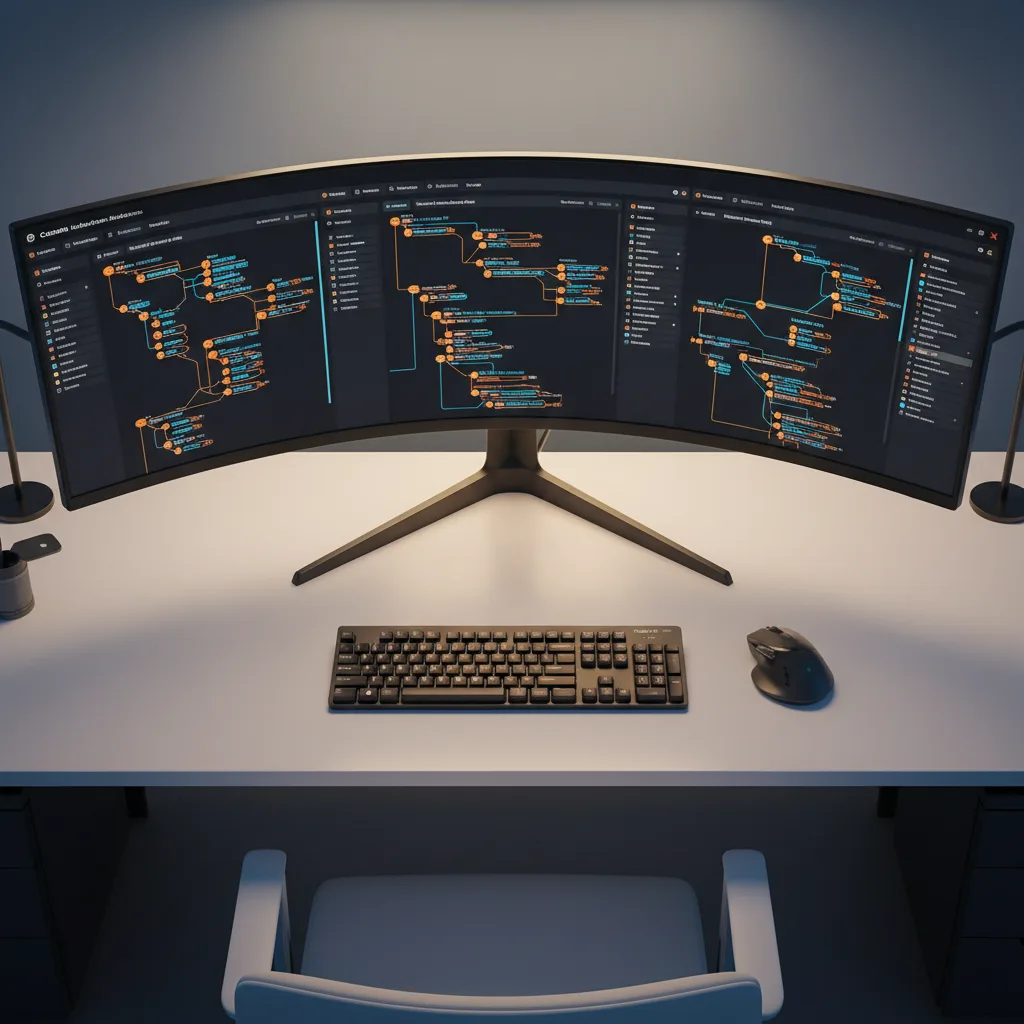
Three approaches to implementing automations — with increasing technical depth:
| Zapier / Make | n8n (Self-Hosted) | Cron Jobs + Scripts | |
|---|---|---|---|
| Target audience | Non-technical / Power users | Developers + tech-savvy SMBs | Developers |
| Cost | €10–€69/month | €0 (own server) | €0–€5/month (VPS) |
| Setup time | Hours | Hours to days | Days |
| Complexity | Low | Medium | High |
| Data control | Cloud (US/EU) | Own server (GDPR) | Own server |
| Strength | Quick to productive | Flexible + free | Maximum control |
My recommendation by business size:
-
1–5 employees, no IT background: Make. €10/month, EU hosting, 50–80% cheaper than Zapier for comparable workflows. The interface takes some getting used to, but the learning curve is manageable.
-
5–25 employees, someone with technical aptitude: n8n Self-Hosted. €0/month, full GDPR control, the strongest AI integration of all three platforms. One e-commerce project saved 98% of automation costs by switching from Zapier to n8n.
-
Developers or agencies: Cron jobs on a €5 VPS for simple recurring tasks (daily backups, weekly reports) + n8n for complex workflows with conditions and API integrations. One developer in the r/selfhosted forum: “I run 15 automations for 3 clients on a single server.”
What’s Coming by 2030?
Three automation trends that will reshape small and mid-sized businesses in the coming years:
AI-powered document processing. OCR plus AI automatically extracts data from invoices, delivery notes, and site measurements — tools like ABBYY and Klippa already do this today. By 2028, AI will read handwritten notes from construction site reports. By 2030: fully automated document processing, from a photo of a receipt to a DATEV export. For tradespeople still collecting receipts in shoeboxes, this is a quantum leap.
Voice notes instead of typing. Tradespeople dictate work reports on-site into their phones. Whisper (open source) or Google Speech-to-Text transcribes it, AI structures the text, and it gets entered into the project management tool. One painting contractor reports: “45 fewer minutes of admin work per job site.” Instead of typing up the daily report at his desk in the evening, he dictates it on the way to the next job.
AI chatbots for initial client intake. A chatbot on the website answers standard questions, qualifies inquiries, and automatically creates a CRM entry: “Need an electrician for outlet installation in Munich” → chatbot asks for address, preferred time, and scope → structured inquiry lands with the business. Cost: €30–€100/month (Voiceflow, Botpress, or custom with the OpenAI API). As one developer put it on Reddit: “AI chatbots for local businesses are the biggest opportunity right now — most tradespeople don’t even have a website that can take appointments.”
Common Mistakes — and How to Avoid Them

Doing too much at once. Introduce and stabilize one automation per month. As one user in the r/automation forum put it: “Start with the process that hurts the most, not the one that’s easiest to automate.” If your biggest problem is unpaid invoices, don’t start with social media scheduling.
No monitoring. Automations can fail silently. A webhook endpoint changes, an API rate limit kicks in, a field in the database gets renamed. Always set up error notifications — n8n and Make offer this natively. A Slack message or email on errors is enough.
Tool overload. A well-configured Make setup beats five half-hearted Zapier integrations. Pick one tool and learn it properly before evaluating the next one.
Automating broken processes. Before automating: map out the process. Who does what, when, and why? A painter who automatically sends quotes by email — but only creates them 5 days after the site visit — is accelerating a broken process. Fix the process first, then automate it.
Ignoring GDPR. Automated client communication requires consent. Sending WhatsApp messages to clients without an opt-in is a compliance risk — in 2024, over €60 million in GDPR fines were levied in Germany alone. Get consent during the initial conversation and document it.
The Bottom Line
The five workflows in this article — contact form pipeline, automated invoicing, appointment reminders, review requests, and social media scheduling — save a combined 10–18 hours per week. At an hourly rate of €60, that’s €32,000–€56,000 per year. For a 5-person business, that’s the difference between “we need to hire someone” and “we have enough time.”
The key isn’t the technology — it’s asking the right question: which recurring task is the most painful? Start there. Stabilize one workflow, measure the impact, then tackle the next. In six months, half the administrative overhead runs itself — and you’re free to focus on what you started the business for in the first place.
If you’d like to find out which automations would have the biggest impact for your business, get in touch — the initial consultation is free.